

Help guides, now public
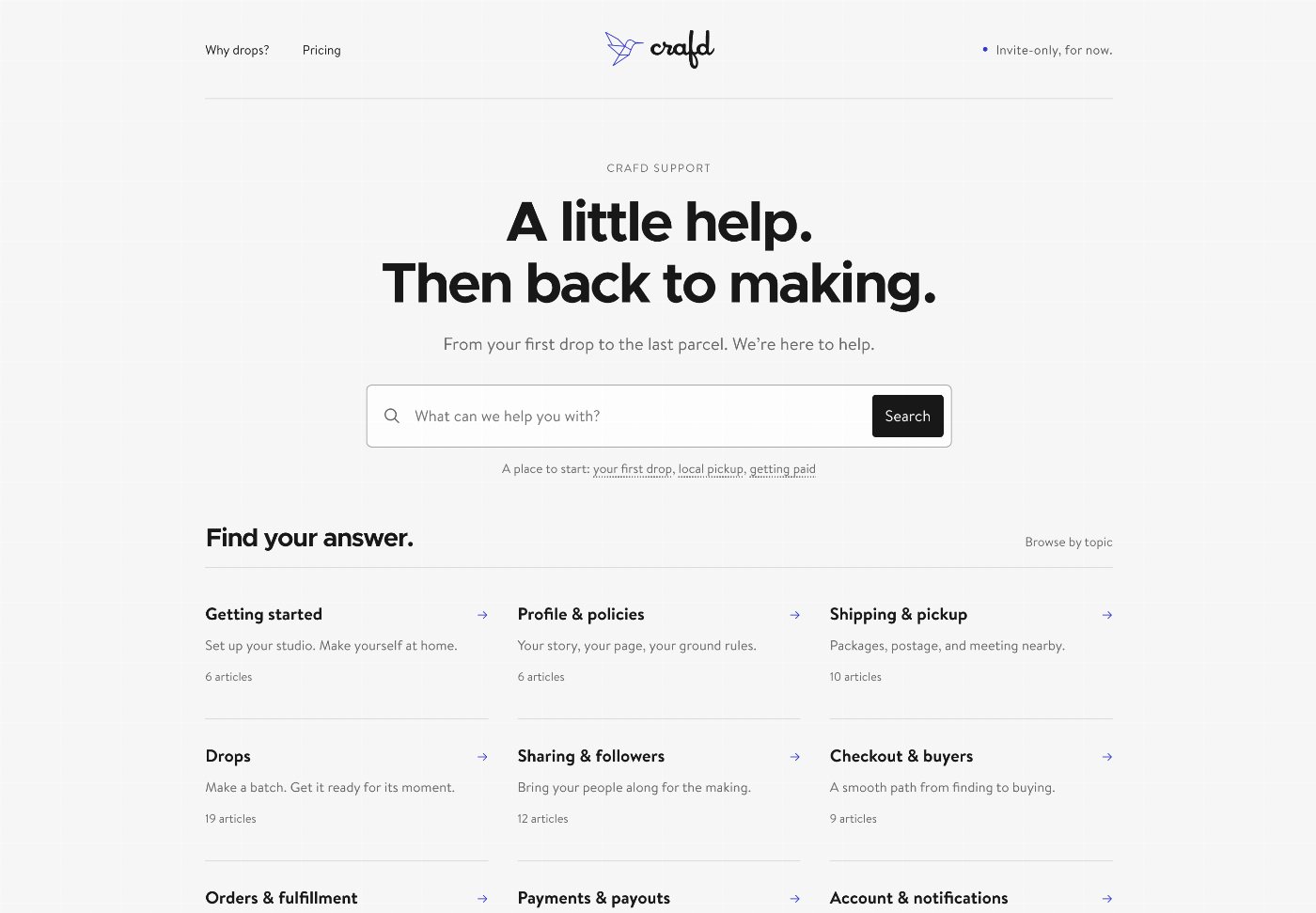
Find an answer before you sign in. Our public support center brings the Crafd guides together, with search and topics to help you find your way.

Follow along with this ongoing list of changes:
Find an answer before you sign in. Our public support center brings the Crafd guides together, with search and topics to help you find your way.
Show your work from more than one angle. Add up to five photos to a drop, put them in order, and move your favorite to the front to make it the cover.
What photos can I use for a drop?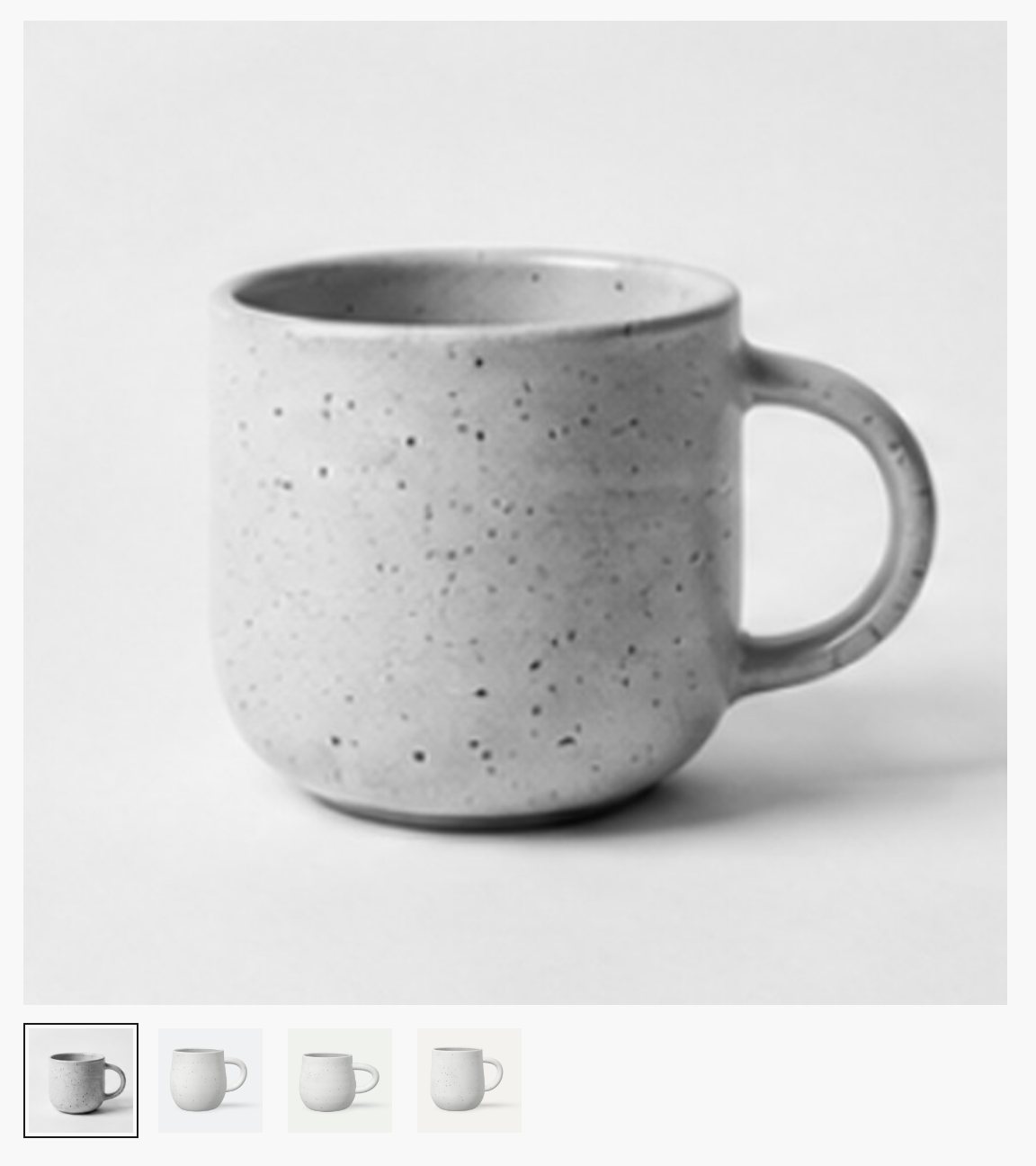
A familiar face, without another upload. If you haven’t added a profile photo, Crafd uses the Gravatar for your account email when one is available, or a plain head-and-shoulders picture otherwise.
How do I add or change my profile photo?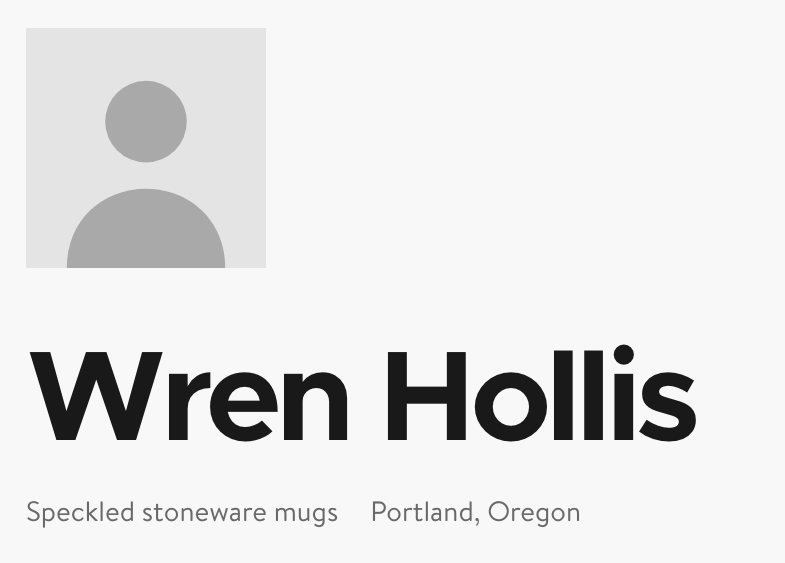
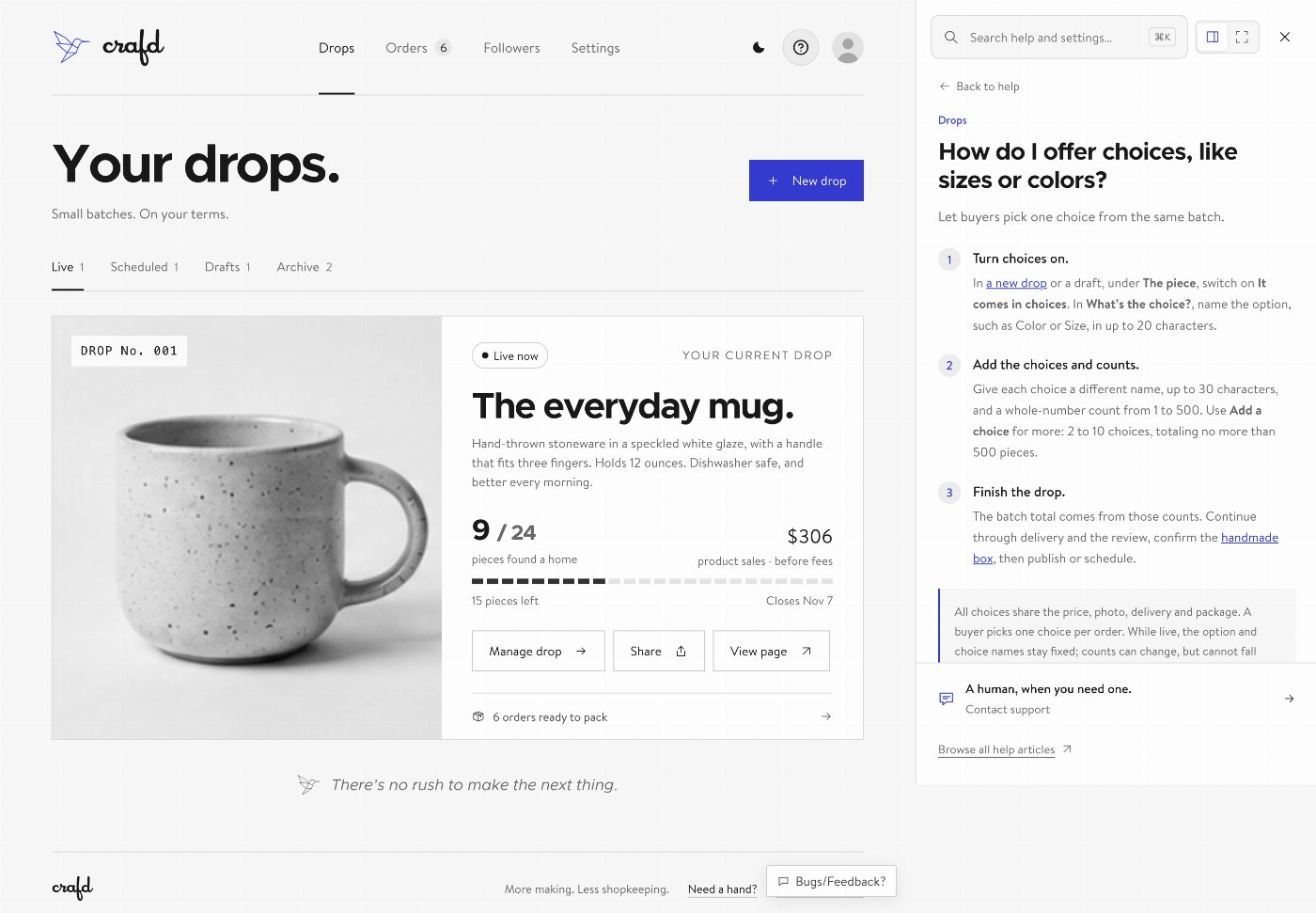
Find an answer while you work. Search the help guides from your studio, keep them docked beside the page, or open them full screen.
A little less copying before your batch goes out. Download pending shipping orders as a CSV for a label tool like Pirate Ship, then import tracking back into Crafd when you mark orders shipped.
How do I buy and print shipping labels?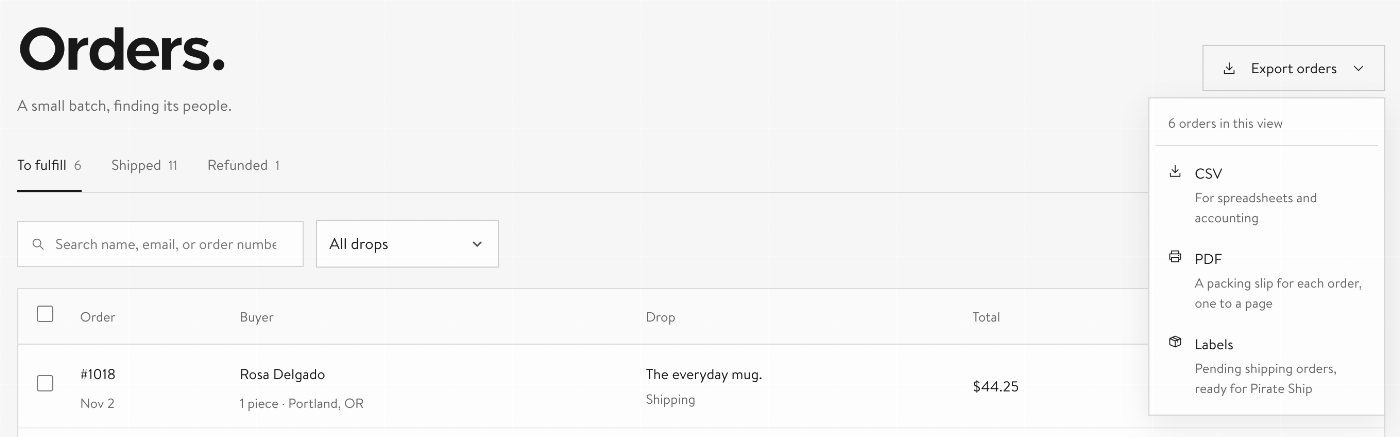
A small batch can still have a little variety. Offer sizes or colors in one drop, with a count for each choice, and keep the buyer’s choice with their order through checkout and packing.
How do I offer choices, like sizes or colors?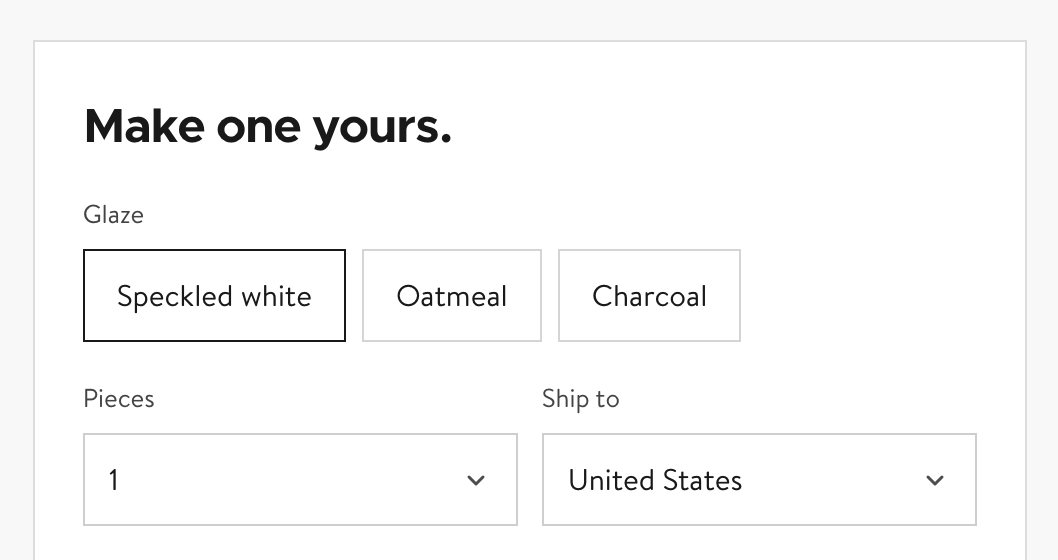
Meet Dave and the idea behind Crafd on our About page. It’s a little more about why we’re making room for small batches, and for the people who make them.

A little guidance for your first batch. Your studio checklist walks through your profile, policies, delivery, payouts, and first drop, and keeps track as you go.
What do I need to do before my first drop?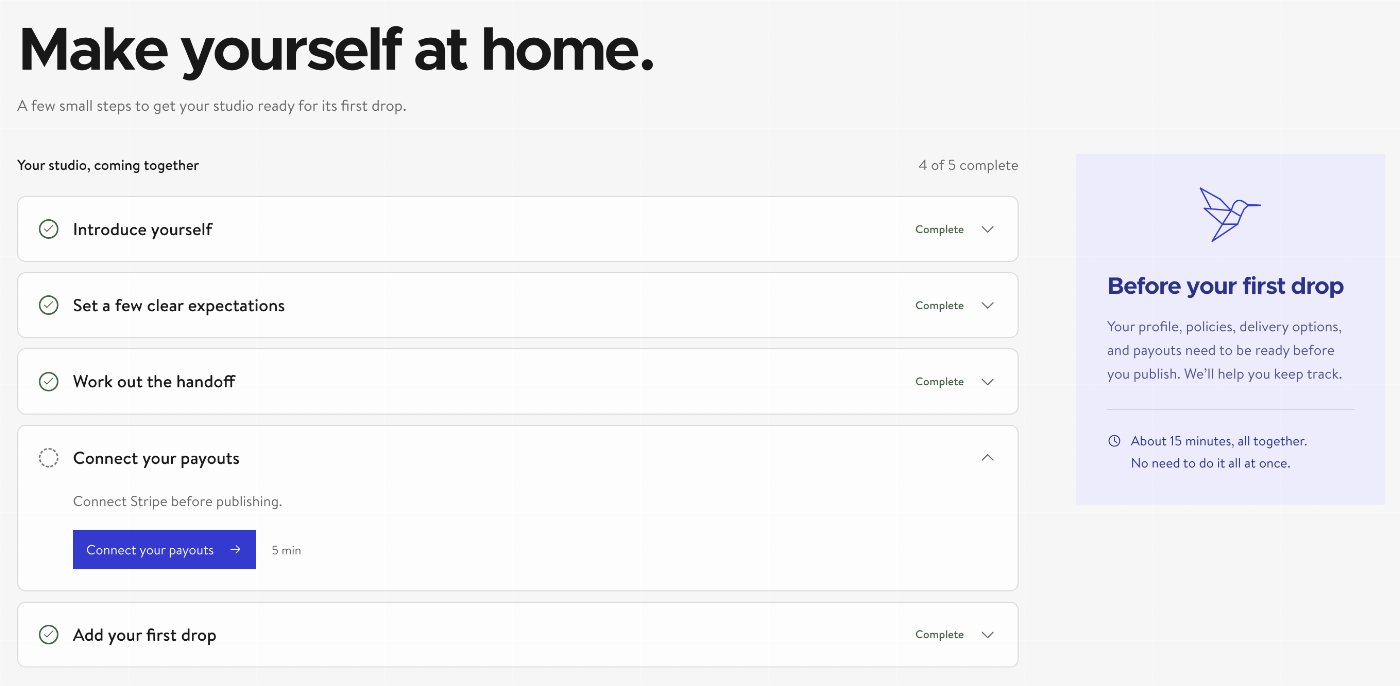
A small code brings you back to the right order. Scan a packing slip to open its order in your studio, or let the buyer see their purchase summary after proving their checkout email.
What does the QR code on a packing slip do?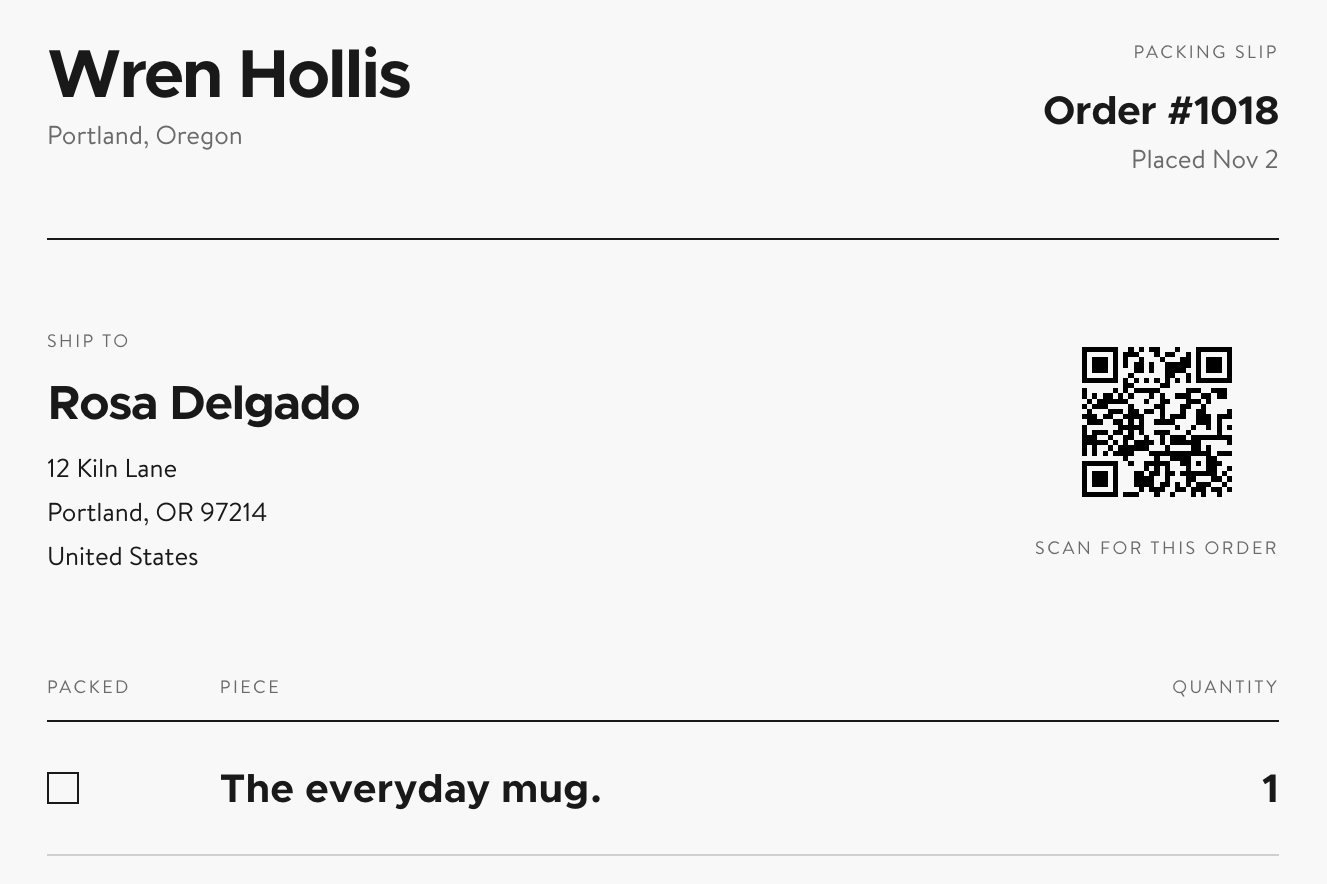
Give your next batch a good introduction. Crafd makes share images for your maker page and published drops, with formats for posts, stories, and link previews.
What shows when I paste my link into social media?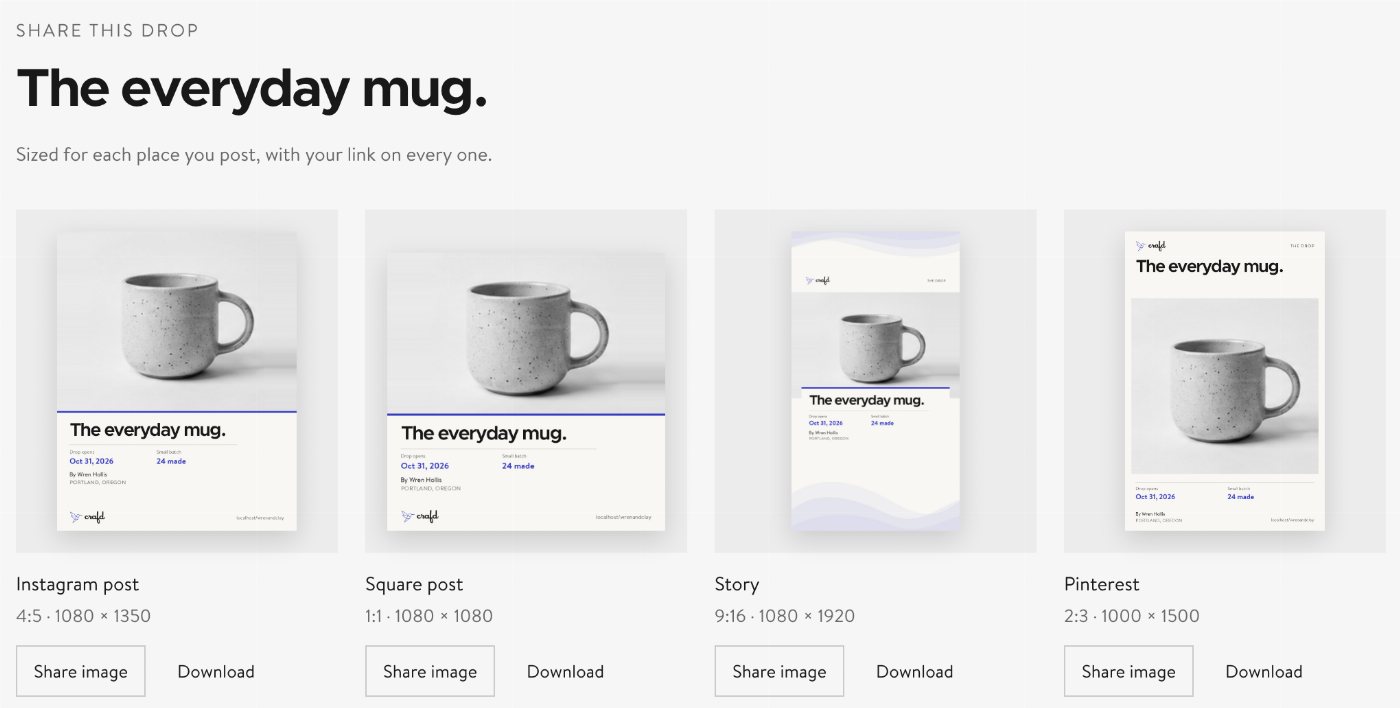
For a quieter screen while you work, choose dark mode from the studio’s theme switch. Crafd remembers your choice for the next visit in that browser.
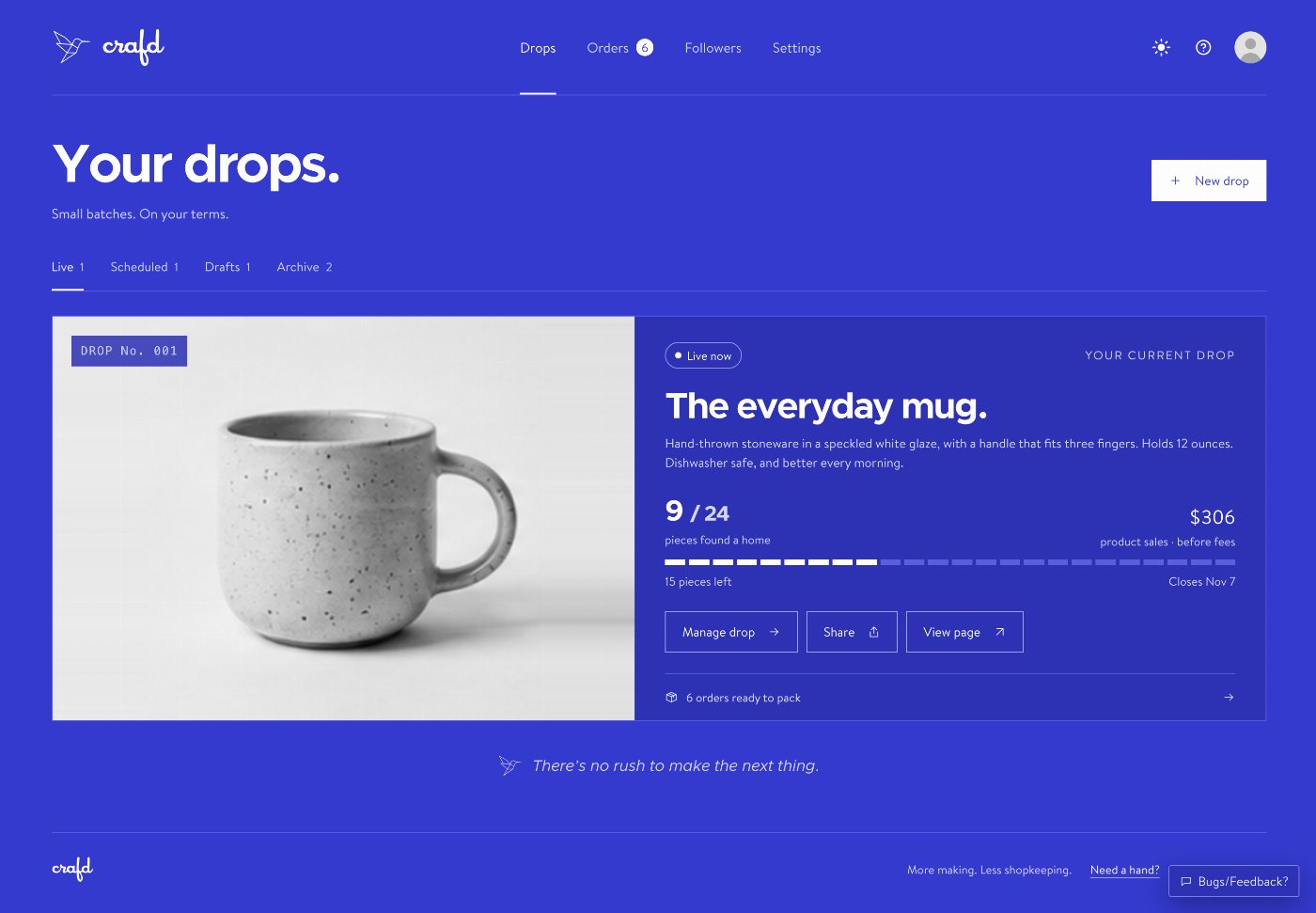
Keep your people in the loop as a batch comes together. Choose which drop updates followers receive by email or text, from an announcement to an almost-sold-out nudge; buyers also get order emails for shipping or pickup.
What do followers hear from me, and when?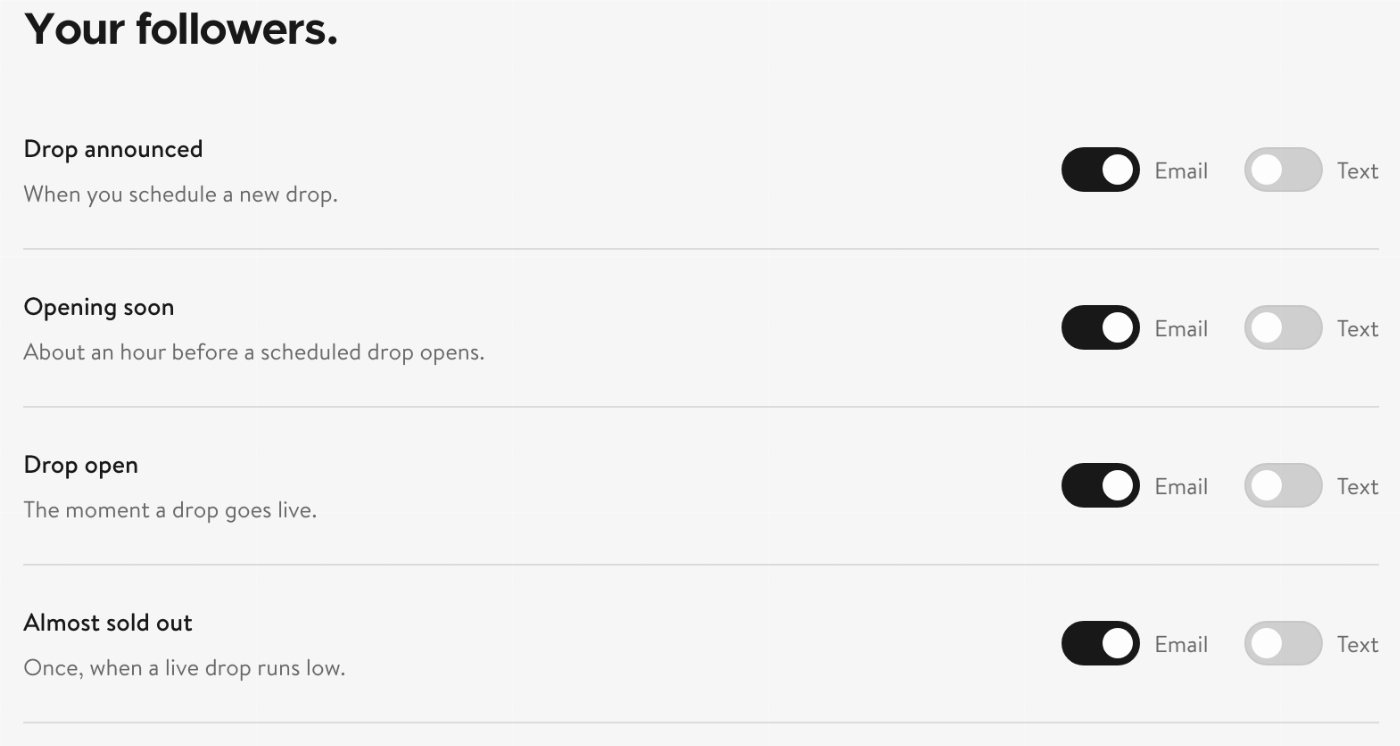
A familiar introduction on our home page. Crafd comes from the people behind WordPress.com, WooCommerce, and other tools you may know.
Your browser assistant can find drops, draft a new one, and help prepare order updates in browsers with WebMCP support. Publishing stays in your hands, and fulfillment changes wait for your confirmation.
Keep in touch between batches. People can follow your maker page or a drop by email, and choose text updates too when you offer them.
How do people follow me?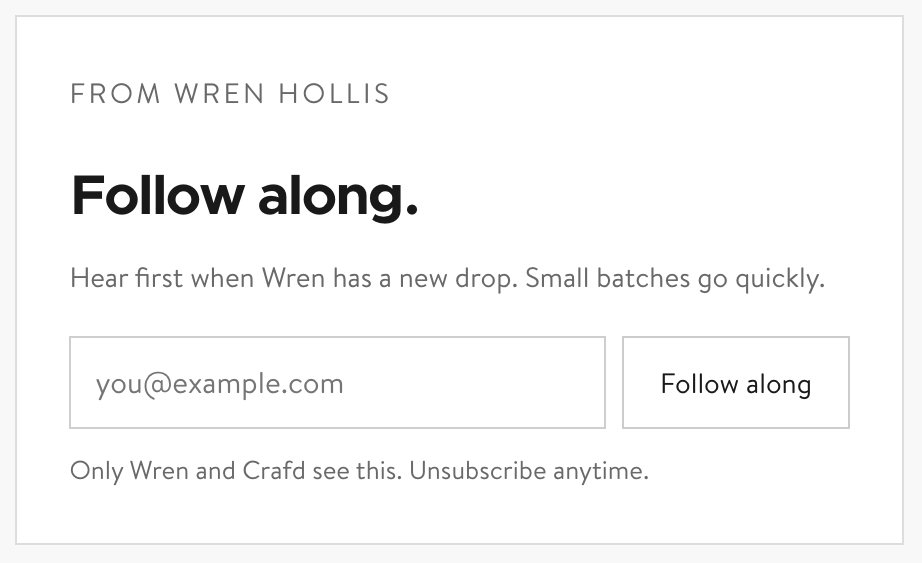
A small beginning. More good things to come.